
TryOnIA: AI Virtual Try-On
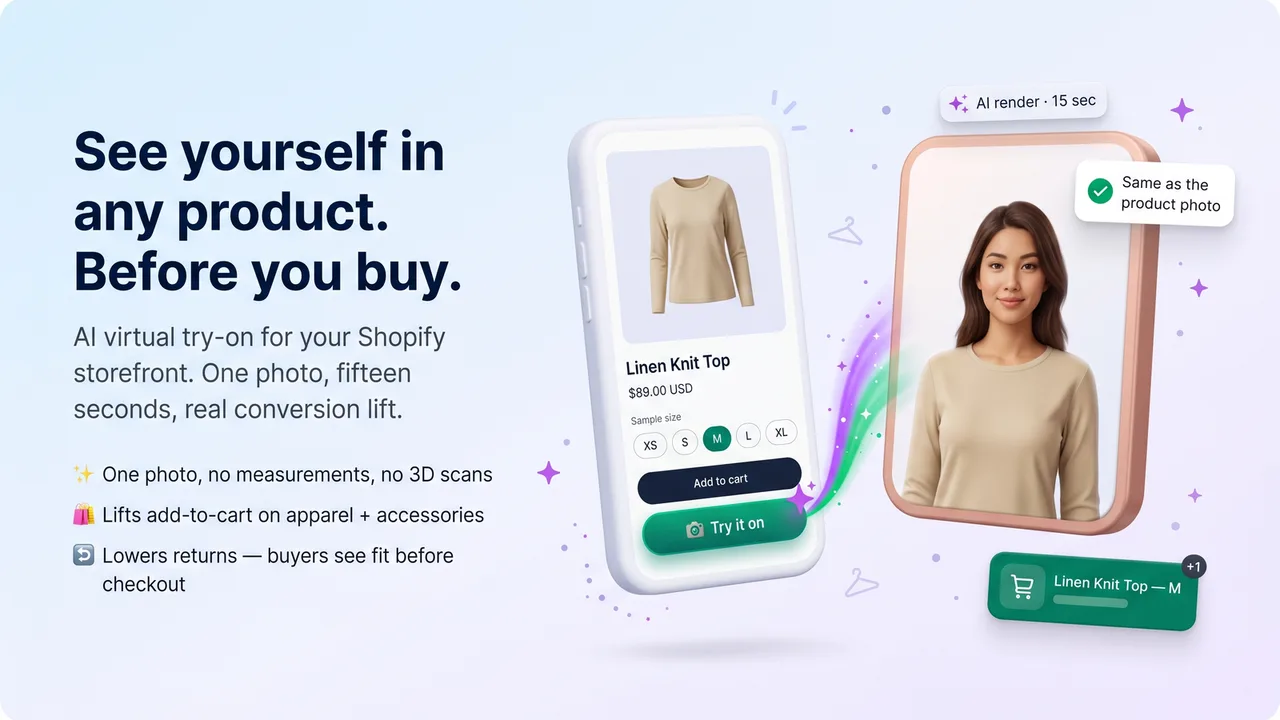
TryOnIA by DevCloud adds a "Try it on" button to your Shopify product pages so shoppers can upload a photo and see themselves wearing your garments in seconds — powered by Google's Nano Banana 2 AI. No 3D scans, no measurements, no apps to download. Let customers verify fit before they buy to lift add-to-cart rates and cut returns.

Key Features
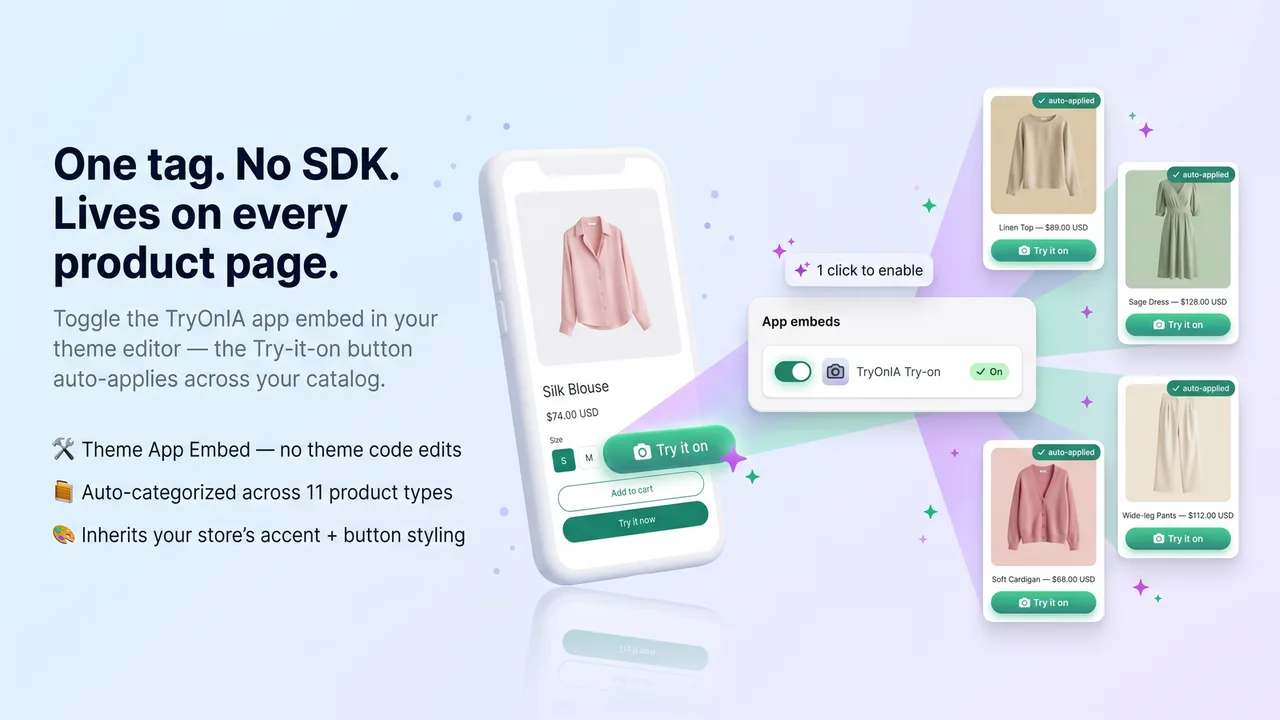
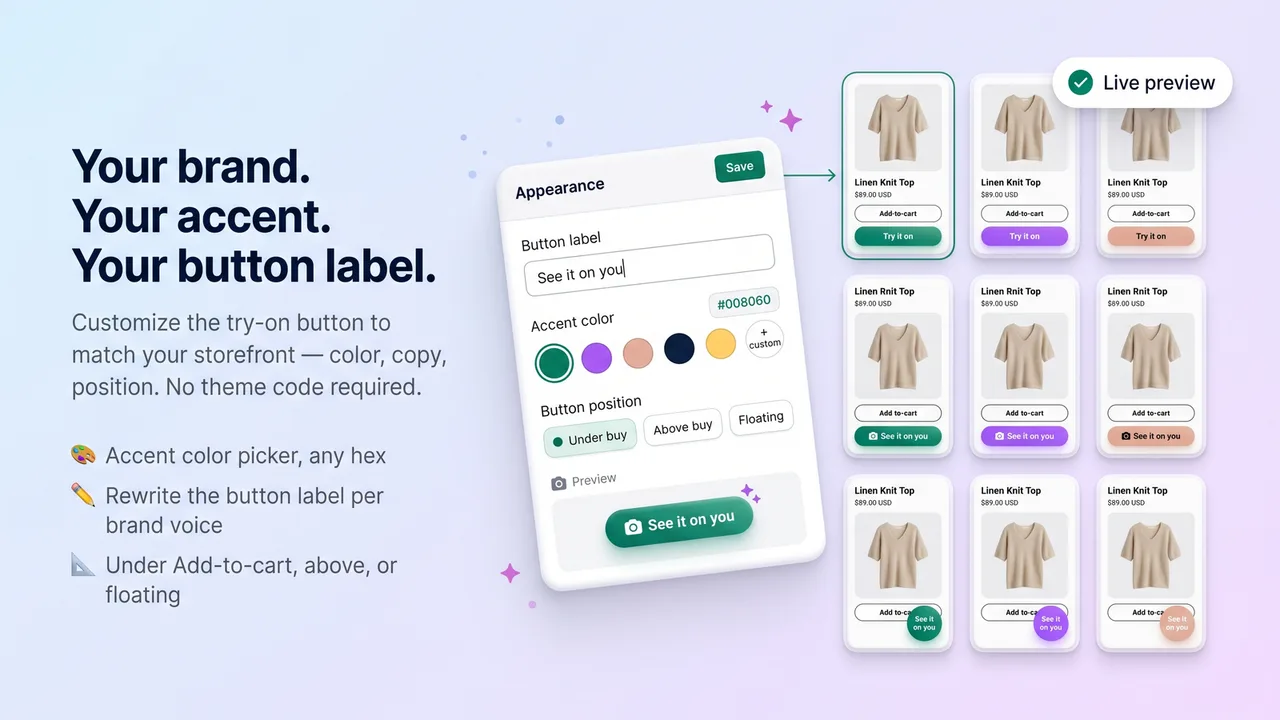
- One-click "Try it on" button via theme app embed — no code required
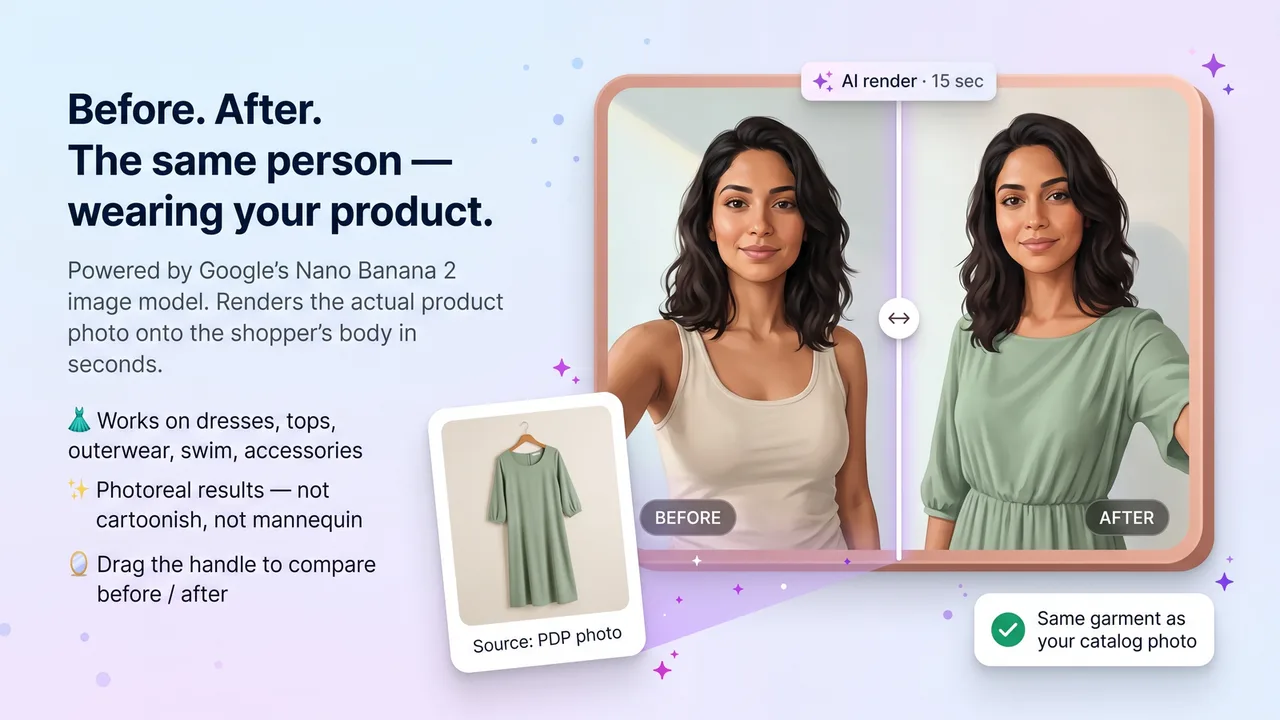
- AI-rendered try-on in ~15 seconds from a single customer photo
- Supports 11 product categories: dresses, tops, outerwear, swimwear, accessories and more
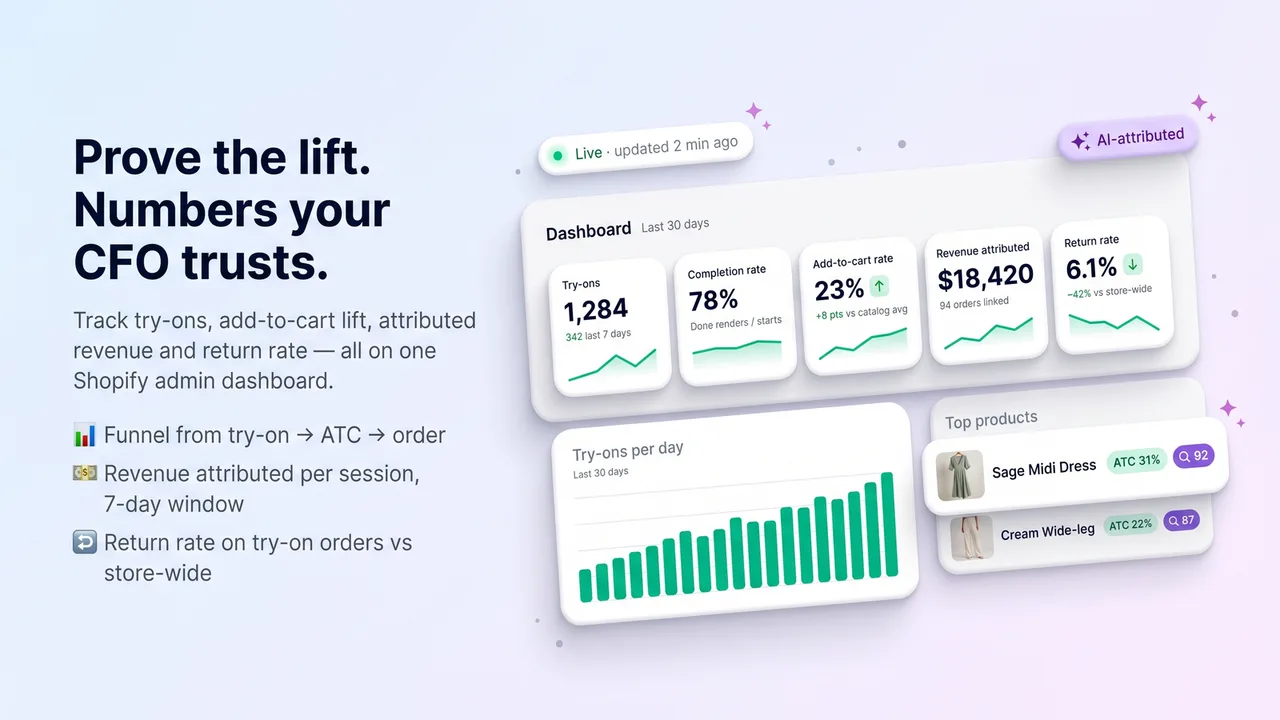
- ROI dashboard tracking the try-on funnel and attributed revenue
- Per-shopper rate limiting by customer ID to control usage
- HMAC-signed URLs with configurable 1–30 day data retention
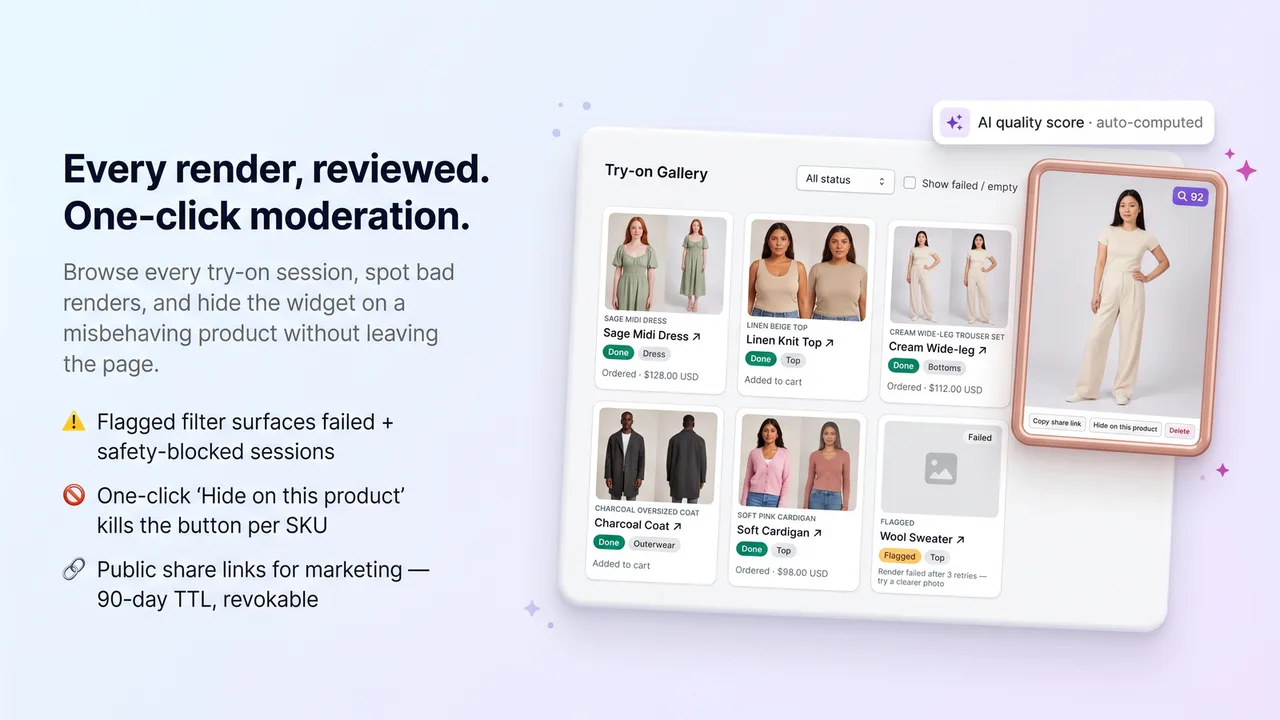
- Built-in NSFW safety filtering
How It Works
Install the App Embed
Enable TryOnIA from your theme editor in one click. The "Try it on" button appears on your product pages with no code required.
Shoppers Upload a Photo
A customer clicks "Try it on", uploads a single photo, and Google's Nano Banana 2 AI renders them wearing the garment in about 15 seconds.
They See Fit, You Track ROI
Shoppers verify fit before checkout while the ROI dashboard tracks the try-on funnel and revenue attributed to each session.
Why Choose TryOnIA: AI Virtual Try-On
Frequently Asked Questions
How does the virtual try-on work?
Shoppers click "Try it on" on a product page and upload a photo. Google's Nano Banana 2 AI renders them wearing the garment in about 15 seconds — no 3D scan or body measurements needed.
Is it hard to install?
No. TryOnIA installs as a single theme app embed with no code. The "Try it on" button appears on your product pages automatically.
What about customer privacy?
Uploaded photos are protected with HMAC-signed URLs and a configurable data retention window of 1 to 30 days, plus built-in NSFW safety filtering.
Ready to try TryOnIA: AI Virtual Try-On?
Join thousands of Shopify merchants who trust DevCloud apps to grow their business.
Install on Shopify