
Decknote — Orders on Kanban Boards
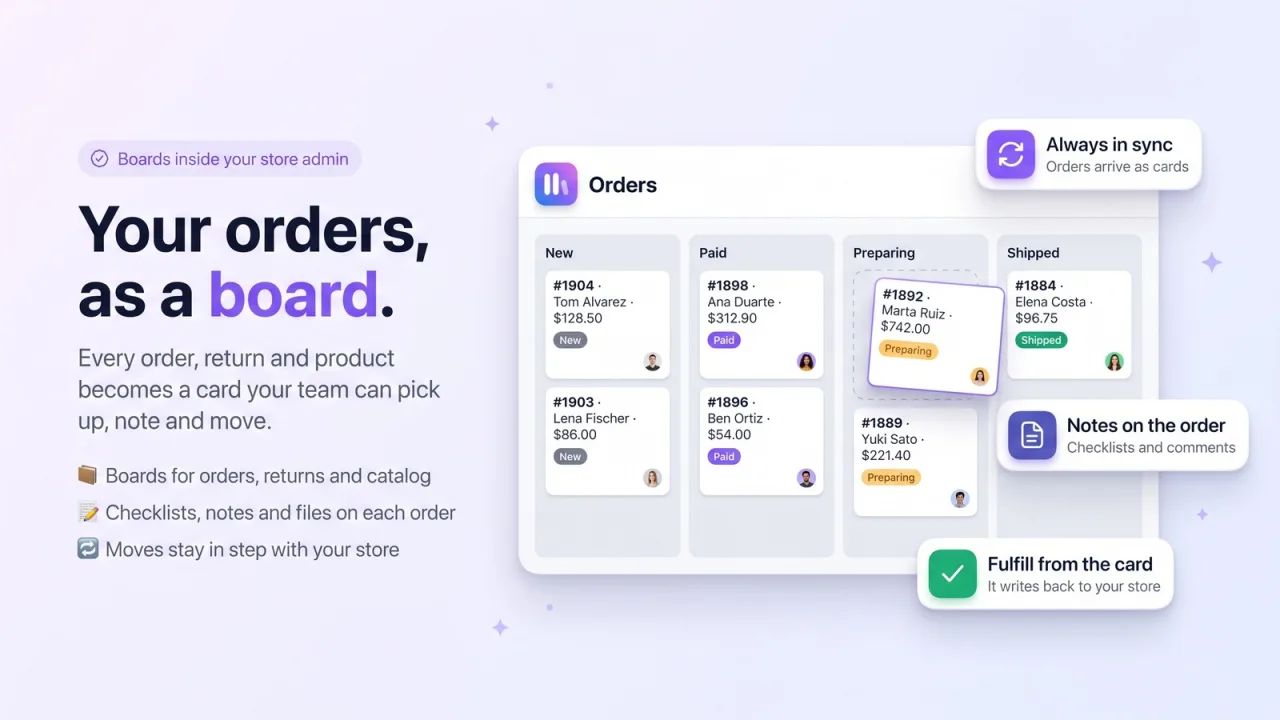
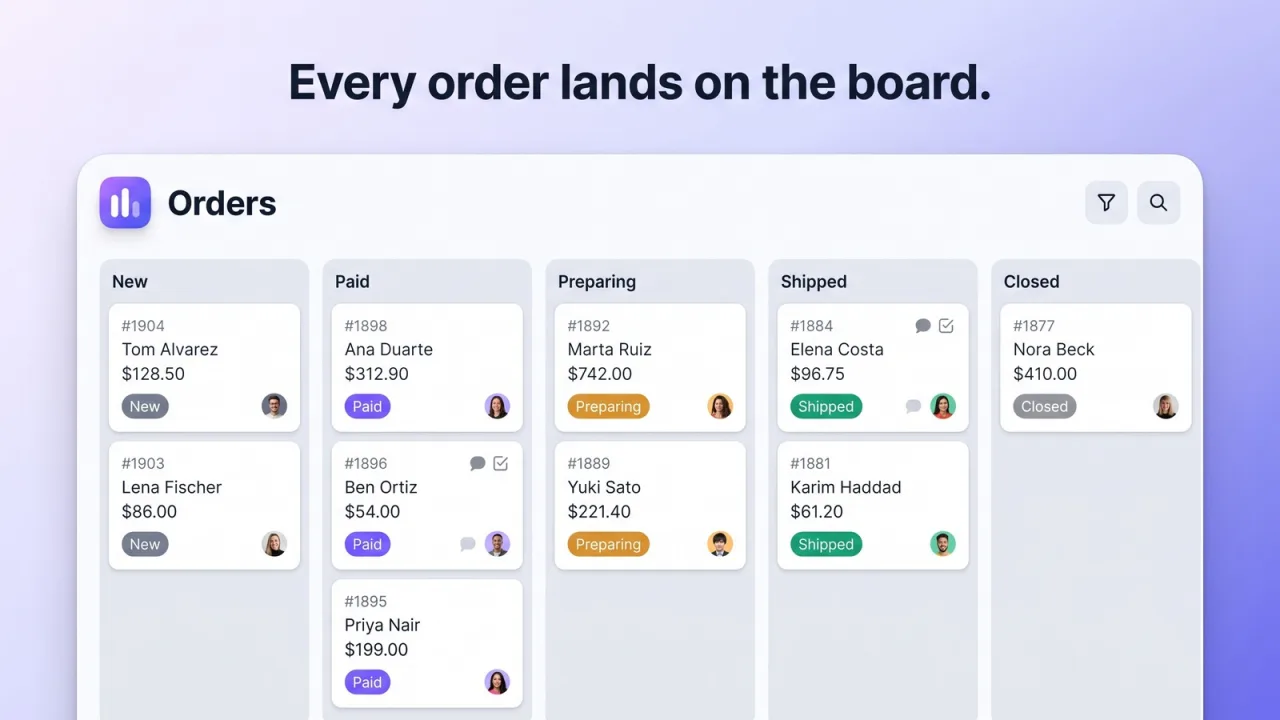
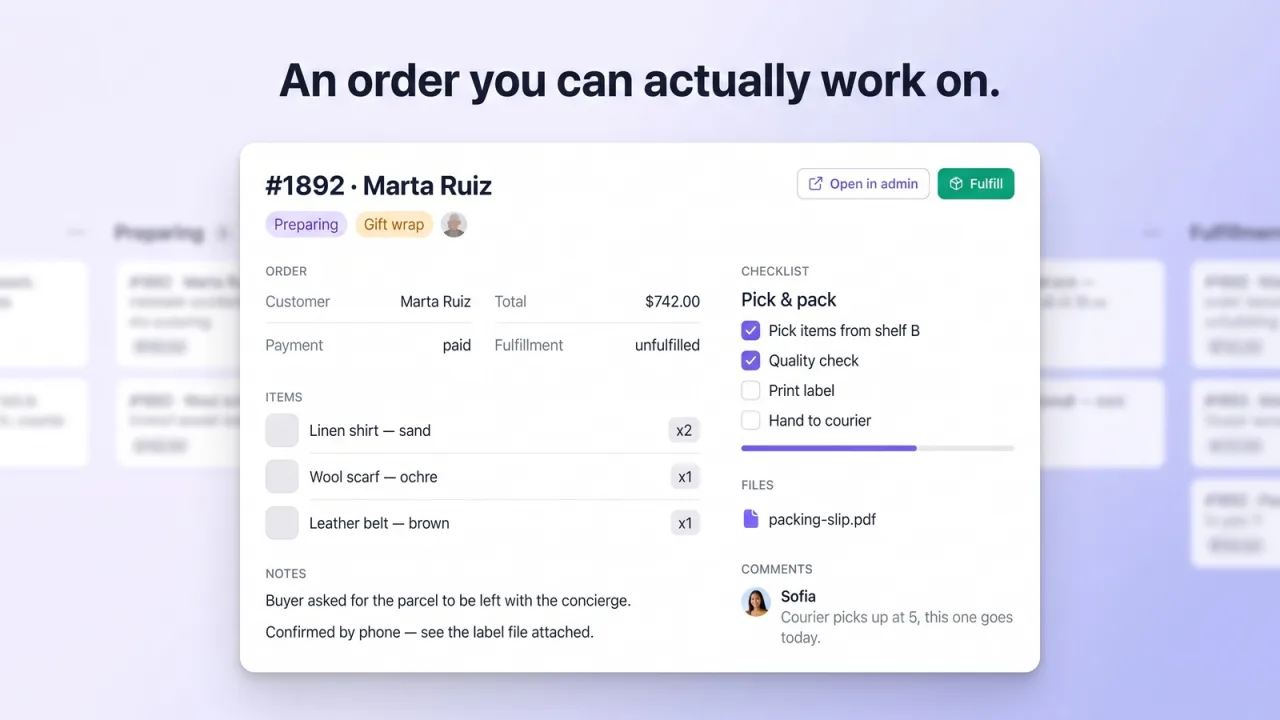
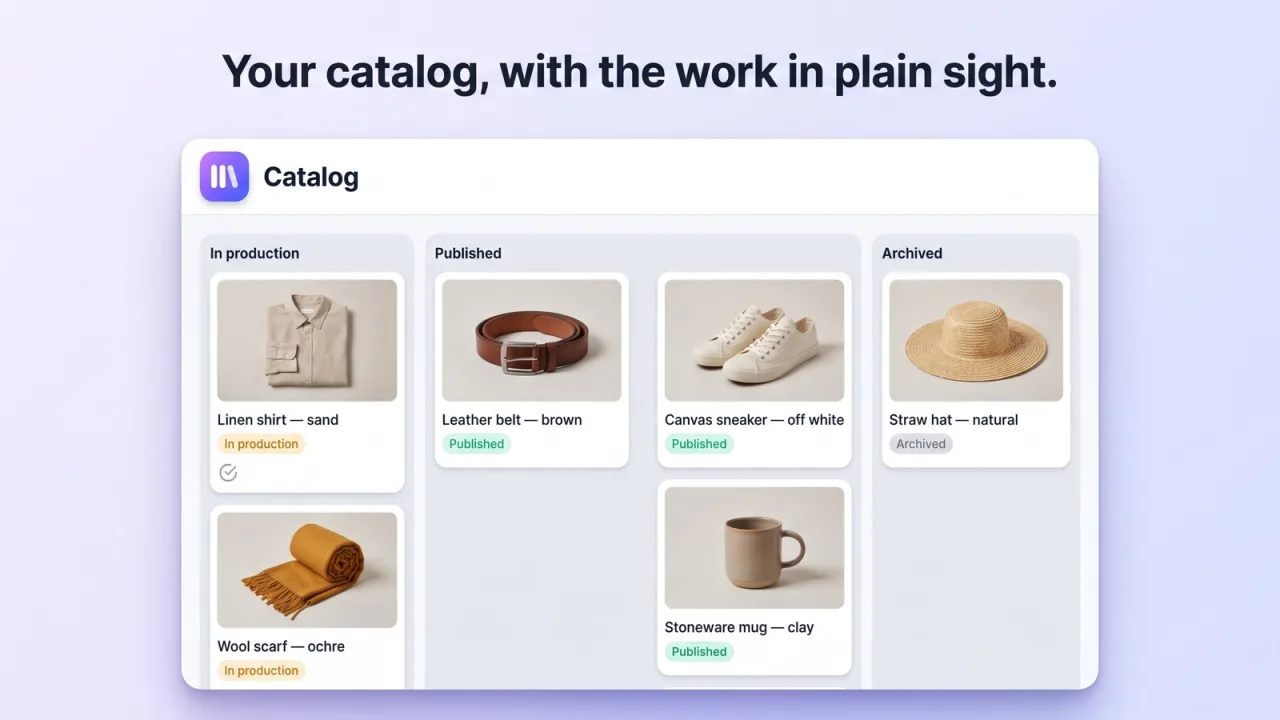
Decknote turns your store into boards your team can work from. Orders, returns and products arrive as cards and move between lists as their status changes, so a busy day is something you can see instead of a list you scroll. Open any order and it becomes a page: a checklist for picking and packing, notes your team can read, files, comments and due dates. Fulfil an order from its card and it is fulfilled in your store, and everyone on the team sees the same board as it changes.
Key Features
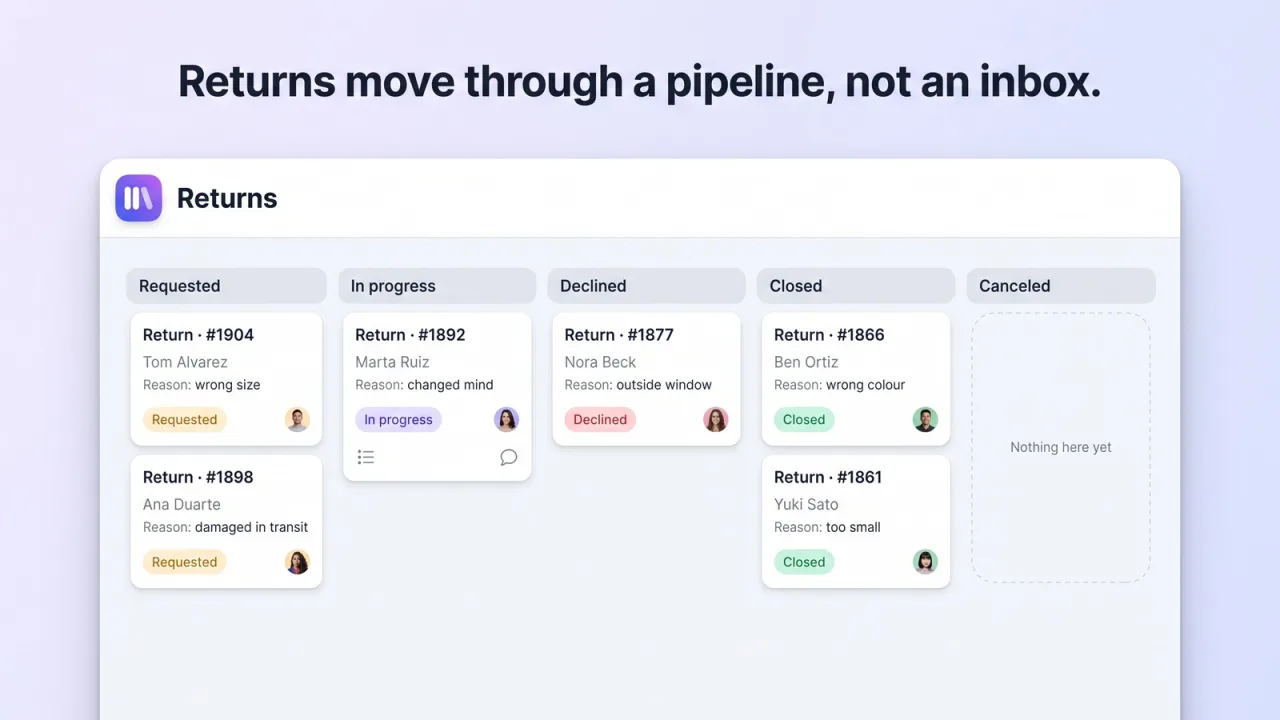
- Orders, returns and products arrive as cards on boards built for you
- Cards move between lists on their own as an order changes status
- Every order opens as a page with checklists, notes, files and comments
- Fulfil an order from its card and your store is updated
- Your team works the same board together, with roles for who can edit
- Board automations, custom fields and saved views on the Pro plan
- Works inside the Shopify admin, on desktop and on the phone
Use Decknote from your AI
Connect it to Claude, ChatGPT, Claude Code, Cursor or VS Code: read and update boards, lists and cards — add tasks, tick checklists, comment, label, set rules and share — everything you can do in the app.
How It Works
Install
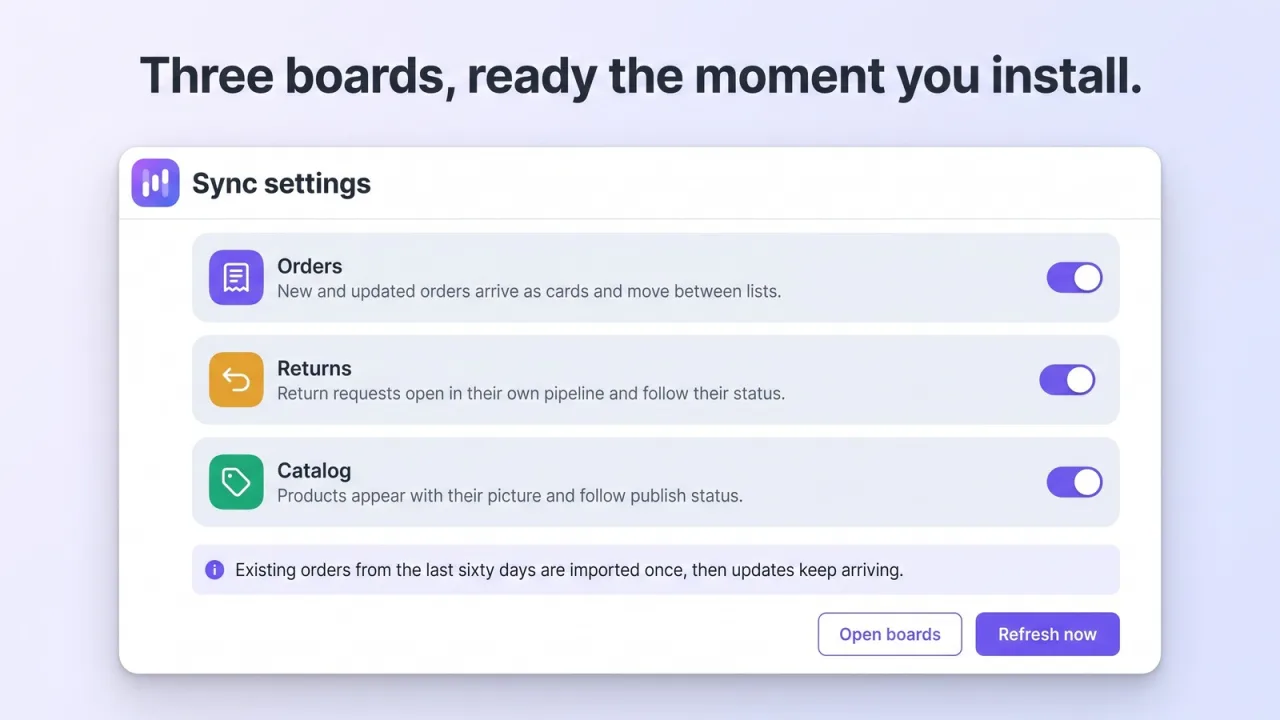
Three boards are created for you — Orders, Returns and Catalog — and your store starts syncing onto them.
Work the board
Each order is a card with its customer, items and status. Open it for checklists, notes, files and comments; drag it where your team needs it.
Fulfil from the card
Mark an order as fulfilled without leaving the board. Shopify is updated, and the card moves on its own when the status changes.
Why Choose Decknote — Orders on Kanban Boards
Frequently Asked Questions
Does it change anything in my store?
Only when you ask it to. Marking an order as fulfilled from its card fulfils it in Shopify; everything else — moving cards, checklists, notes — stays in Decknote.
Which orders does it bring in?
The last 60 days when you install it, and every new order from then on. Returns and products sync the same way, each onto its own board.
Do my teammates need a Shopify account?
No. The workspace is created when you install the app, and you invite your team to the board. The free plan includes two people per board; Pro has no limit.
Ready to try Decknote — Orders on Kanban Boards?
Join thousands of Shopify merchants who trust DevCloud apps to grow their business.
Install on Shopify